Digital Creator Guide
VIDEO EDITING & CONTENT CREATION
How YouTube Channels Are Built: A Beginner's Guide to Video Editing and Faceless Content
Learn the basic skills behind planning, editing, and organizing YouTube-style videos, including content formats where the creator does not need to appear on camera.
DC
Written by Digital Creator Guide Team
Updated June 2026 · ✔ Reviewed for accuracy
EDUCATIONAL ARTICLE · 8-minute read · For new creators
YouTube has become one of the most popular platforms for educational videos, tutorials, commentary, entertainment, product reviews, documentaries, and niche content.
While many people think creating videos requires expensive equipment or appearing on camera, there are several content formats that rely more on planning, editing, narration, visuals, and organization.
This guide explains the basic workflow behind YouTube-style content creation, how video editing fits into the process, and what “faceless” content means for beginners who want to learn a new creative skill.
Important note: This article is for educational purposes only. It does not promise income, channel growth, monetization approval, or any specific result.
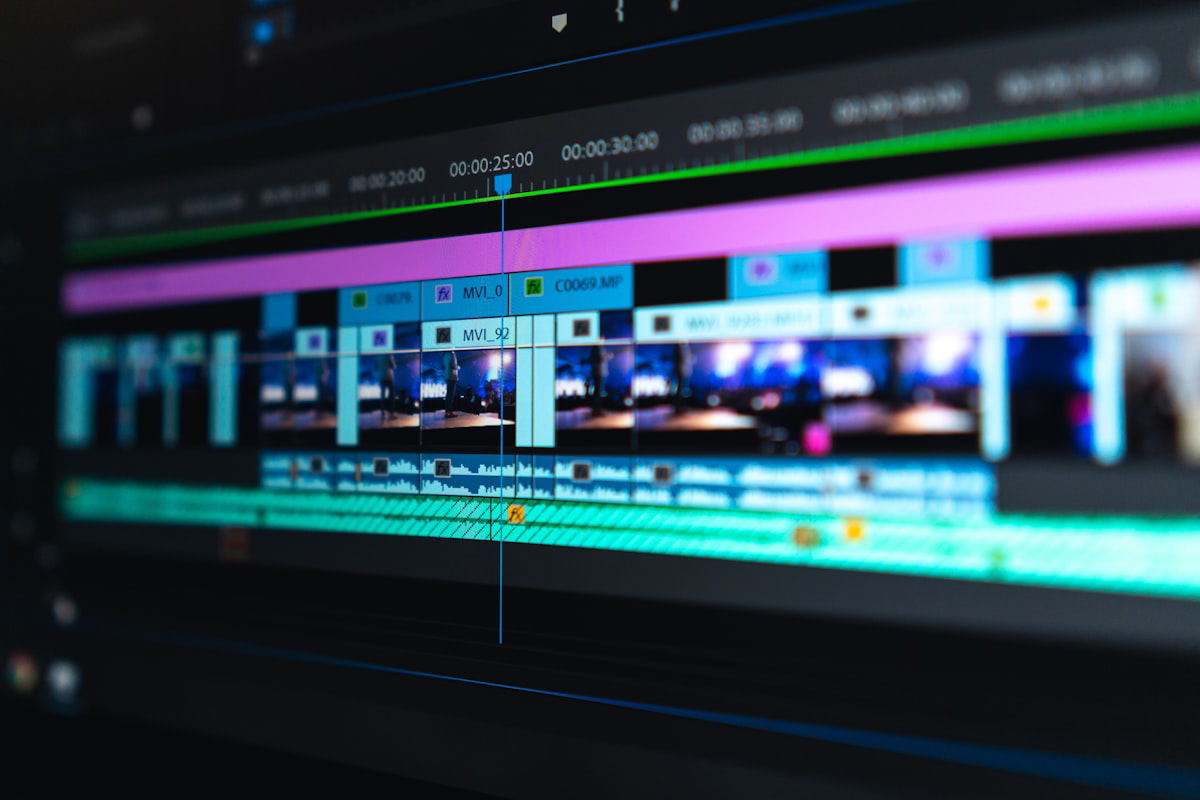
Planning and organization are the foundation of most YouTube-style content.
What Is a YouTube Content Workflow?
A YouTube content workflow is the step-by-step process used to turn an idea into a finished video.
A simple workflow may include:
For beginners, having a workflow is helpful because it reduces confusion. Instead of trying to “make a video” all at once, each part of the process becomes easier to understand.
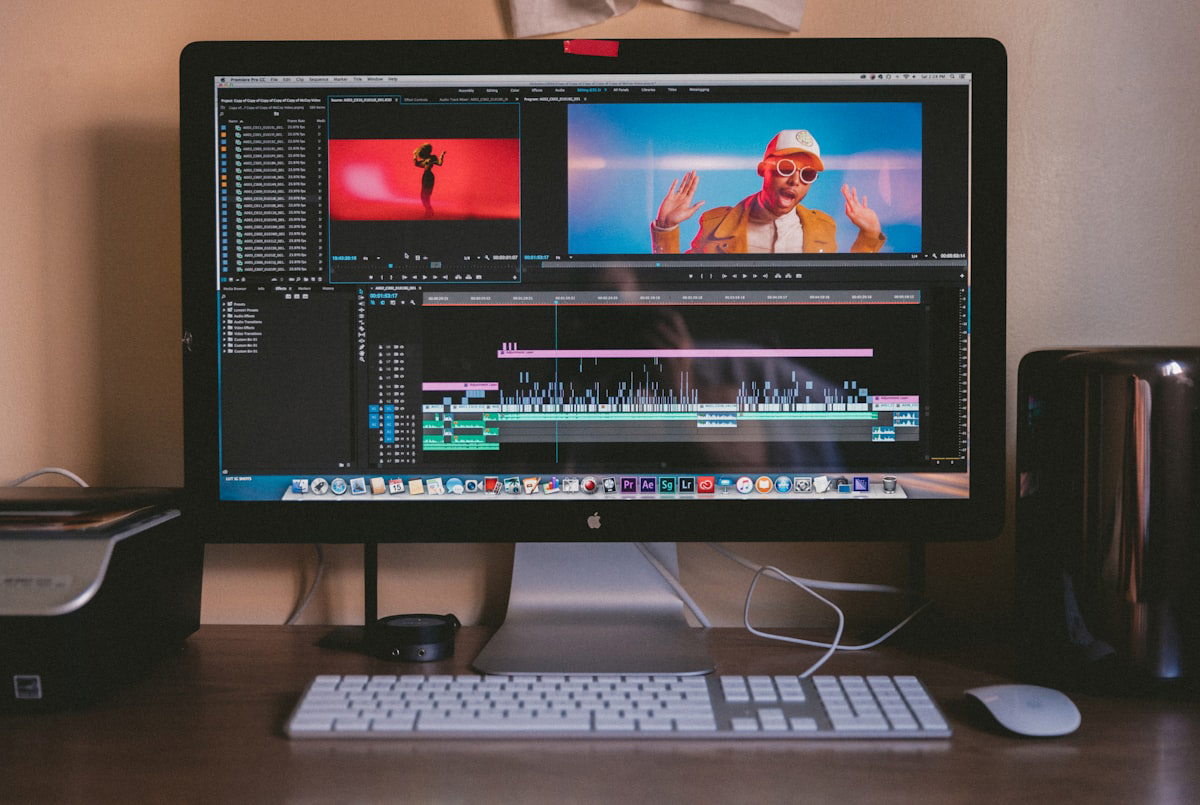
Editing helps organize information and make a video easier to watch.
Why Video Editing Matters
Editing is one of the most important parts of digital content creation.
Good editing can help organize information, improve pacing, remove unnecessary sections, support narration with visuals, and make the final video easier to watch.
Video editing may include:
These are practical creative skills. Like any skill, they usually improve with study, repetition, and consistent practice.
What Are Faceless YouTube Channels?
A faceless YouTube channel is a channel where the creator does not regularly appear on camera.
Instead, the videos may use narration, stock footage, graphics, screen recordings, slides, animations, licensed media, or other visual elements.
Common faceless-style formats may include:
This type of content still requires originality, planning, editing, and compliance with YouTube's policies, including copyright and monetization rules.
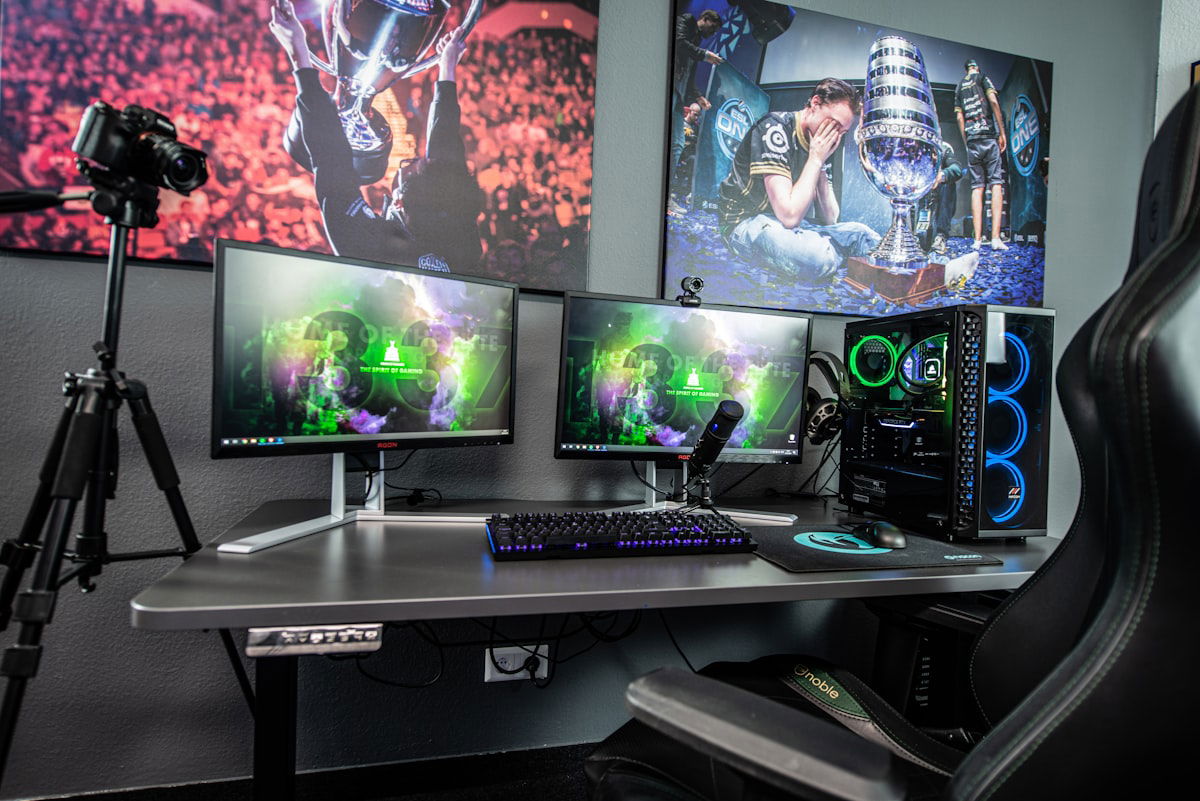
Faceless content often relies on narration, visuals, and screen recordings instead of on-camera presence.
Common Ways Creators Organize Content
Many creators use a repeatable structure to make their videos easier to produce. A basic structure might look like this:
1. Hook: The opening idea that introduces the topic.
2. Context: A short explanation of why the topic matters.
3. Main content: The core information, examples, or steps.
4. Summary: A quick recap of the main point.
5. Next step: A suggestion to watch another video or continue learning.
This structure is not a guarantee of success, but it can help beginners understand how videos are commonly organized.
Software Used in Video Editing
There are many video editing tools available. Some are beginner-friendly, while others are more advanced. The best software depends on the creator's experience, computer, budget, and type of content.
Common editing tasks usually include:
A learning resource such as Video Editor Pro is designed to introduce beginners to common software options and help them understand the workflow behind creating YouTube-style videos.
Understanding YouTube Monetization (Educational Overview)
YouTube monetization refers to the process by which eligible creators may access certain monetization features offered by YouTube. It is included here only as general background information.
Monetization is not automatic. YouTube sets its own eligibility requirements, review processes, and policies. Factors that may affect monetization eligibility include:
Because these requirements are controlled entirely by YouTube, no course, tool, or learning resource can guarantee approval, growth, or revenue.
Beginner reminder: Learning video editing and content production can be a useful creative skill, but eligibility for any platform feature depends on platform rules, audience behavior, content quality, consistency, and many other factors outside anyone's control.
Why Outcomes Vary
It is important to understand that creating a YouTube channel does not guarantee any particular outcome. Some channels may grow over time. Others may not attract a large audience. Some creators may become eligible for platform features, while others may not.
Results can vary based on:
For that reason, beginners should approach YouTube as a creative learning process, not as a guaranteed opportunity of any kind.
Beginner Checklist Before Starting
Before creating a channel, beginners may want to think through the following questions:
These questions can help set realistic expectations and create a stronger foundation before publishing content.
Where Video Editor Pro Fits In
Video Editor Pro is an educational resource focused on video editing, content organization, and building a YouTube-style content workflow.
The material is presented in a narrated format similar to the faceless content style discussed throughout this guide. The goal is to help beginners understand how videos can be planned, edited, and prepared for a YouTube channel without requiring the creator to appear on camera.
This resource may be useful for people who want to:
Watch the Free Educational Presentation
Learn more about video editing, faceless content workflows, and the general process of building a YouTube-style content system.
Frequently Asked Questions
Is Video Editor Pro a video editing resource?
Does it cover faceless YouTube channels?
Do I need to appear on camera?
Does this guarantee YouTube monetization?
Does this guarantee income?
Is this financial advice?
Continue Learning
Watch the free presentation to better understand the Video Editor Pro material and decide whether it matches your personal learning goals.
Disclaimer: This page is provided for educational and informational purposes only.